Google Docs: Format → Text → Capitalization
- Select the text.
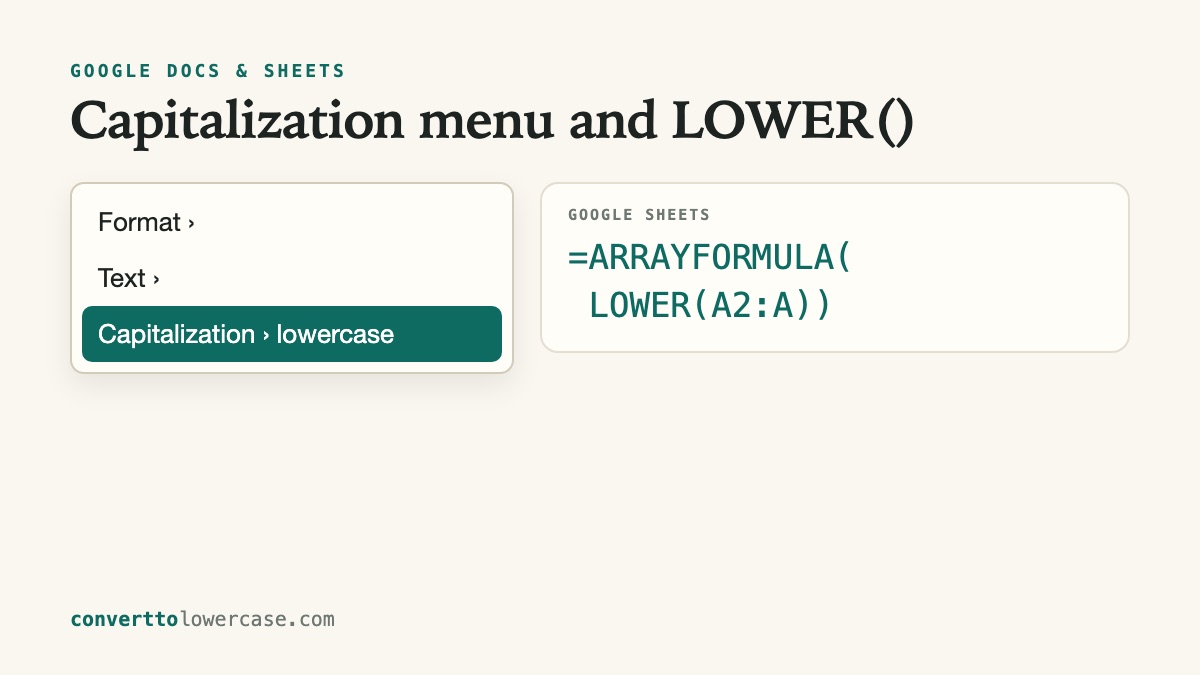
- Open Format → Text → Capitalization.
- Choose lowercase, UPPERCASE or Title Case.
Docs has no sentence case option and no default keyboard shortcut for changing case. For sentence case, copy the text into the converter on this page, switch to Sentence case and paste it back.
Convert your text here
Prefer to skip the menus? Paste the text below — it converts live.
0 characters · 0 words · 0 lines · 0 letters changed
Options
Google Sheets: the LOWER function
For a single cell, type =LOWER(A2) in an empty column and drag the fill handle down. To convert a whole column with one formula, use:
=ARRAYFORMULA(LOWER(A2:A))That single formula fills every row of the column, including rows you add later. Empty rows stay empty.
Replace the original values
- Select the column with the formulas and copy it (Ctrl + C).
- Select the original column and paste values only with Ctrl + Shift + V (⌘ + Shift + V on Mac).
- Delete the formula column.
Other case functions in Sheets
| Function | Result for “hELLO wORLD” |
|---|---|
=LOWER(A2) | hello world |
=UPPER(A2) | HELLO WORLD |
=PROPER(A2) | Hello World |
Need case-insensitive comparisons instead? Wrap both sides in LOWER: =LOWER(A2)=LOWER(B2) returns TRUE for “Apple” and “APPLE”.
Frequently asked questions
Is there a shortcut for lowercase in Google Docs?
There is no default shortcut. Use Format → Text → Capitalization → lowercase, or search for “lowercase” in the Help menu’s search box and press Enter.
How do I lowercase an entire column in Google Sheets?
Put =ARRAYFORMULA(LOWER(A2:A)) in the first cell of an empty column. It converts every row of column A from row 2 down.
Does Google Docs have sentence case?
Not in the Capitalization menu. Paste your text into the sentence case converter on this site and copy the result back.