Fix text typed with Caps Lock on
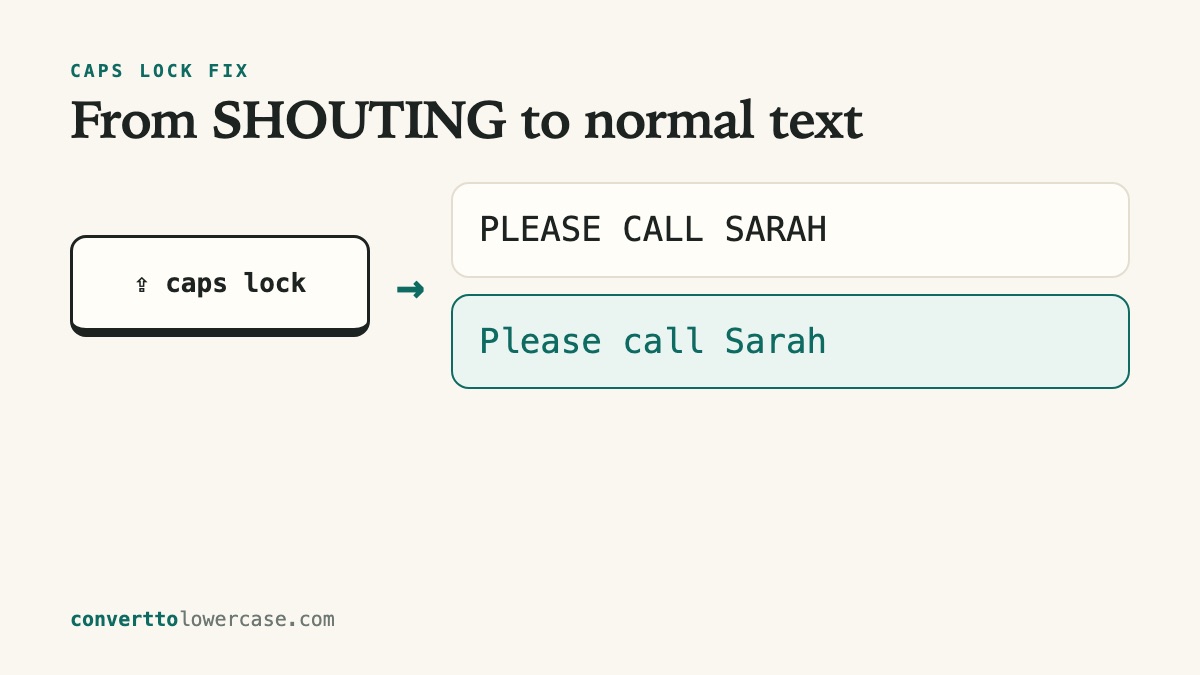
It happens to everyone: you type a full paragraph, look up and find that Caps Lock was on the whole time. Retyping is not necessary. Paste the text above and the right-hand box already contains it in lowercase.
Plain lowercase is rarely the final goal, though. For ordinary writing you usually want capitals at the start of each sentence again. Click Sentence case and the converter lowercases everything, then capitalises the first letter of every sentence and the word “I”.
Tip: names are the one thing a converter cannot guess. Add them to Options → Always keep these words (for example Sarah, Toronto, Microsoft) before you copy the result.
Why all-caps text is hard to read
Lowercase letters have ascenders and descenders — the parts of b, d, h, g, p and y that rise above or drop below the line. They give each word a distinctive outline that readers recognise at a glance. In all capitals every letter is the same height, so words look like uniform blocks and long passages take noticeably more effort to read.
All caps also reads as shouting in e-mails and chat. That is why style guides reserve capitals for short labels, acronyms and the occasional word of emphasis.
Uppercase to lowercase: which option should you pick?
| If you want… | Choose | Result for “PLEASE CALL SARAH IN LONDON” |
|---|---|---|
| every letter small | lowercase | please call sarah in london |
| a normal sentence | Sentence case | Please call sarah in london |
| a normal sentence with names | Sentence case + keep list “Sarah, London” | Please call Sarah in London |
| a headline | Title Case | Please Call Sarah in London |
Converting a whole list or column
Each line is converted independently and line breaks are preserved, so you can paste a column copied from a spreadsheet, convert it and paste it straight back. In Excel you can also use a formula — the Excel guide shows three methods.
Frequently asked questions
Is there a keyboard shortcut for uppercase to lowercase?
Windows and macOS have no system-wide shortcut. Microsoft Word and PowerPoint use Shift + F3 to cycle through cases. Everywhere else, pasting into this converter is the quickest route.
Will lowercase remove capitals from acronyms like NASA?
Yes, unless you protect them. Add NASA (or any other word) to the keep list in Options and it stays in capitals.
Does it change numbers or punctuation?
No. Only letters that have an uppercase and a lowercase form are affected.